Your Headset Shouldn't Hurt: The Real Ergonomics Problem Nobody Talks About at Checkout
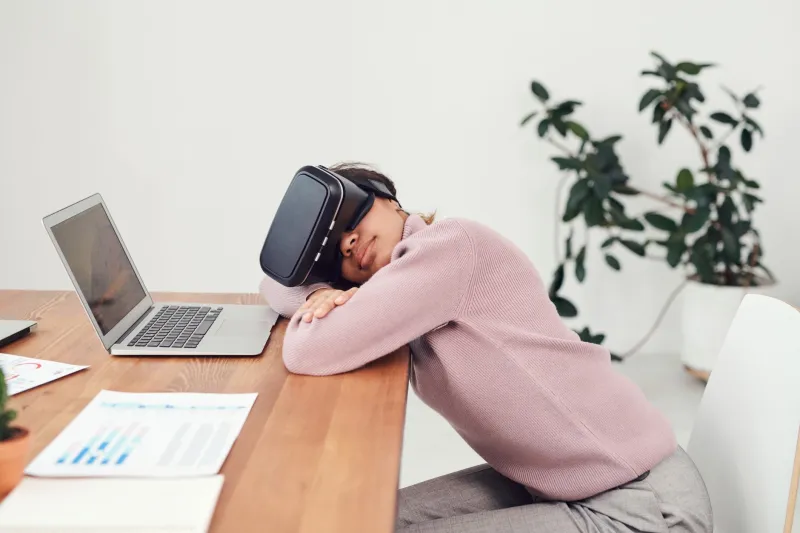
Here's a scenario that probably sounds familiar. You unbox your shiny new headset, strap it on, and spend the first ten minutes completely blown away. The visuals are stunning. The tracking is smooth. You're a believer. Then minute twenty rolls around and there's this dull pressure building across your forehead. By minute thirty, your neck is quietly staging a protest, and by forty minutes in, you've yanked the thing off and you're sitting on the couch wondering if you made a $700 mistake.
You didn't. But you did run headfirst into what's quietly become one of the most frustrating open secrets in consumer VR: modern headsets are ergonomic afterthoughts wrapped in impressive spec sheets.
Why Manufacturers Keep Getting This Wrong
To be fair to the hardware makers, designing a comfortable head-worn computer is genuinely hard. You're trying to balance optics, processing power, battery life, sensors, and thermal management — all while keeping the device light enough that someone actually wants to wear it. Something has to give, and historically, that something has been comfort.
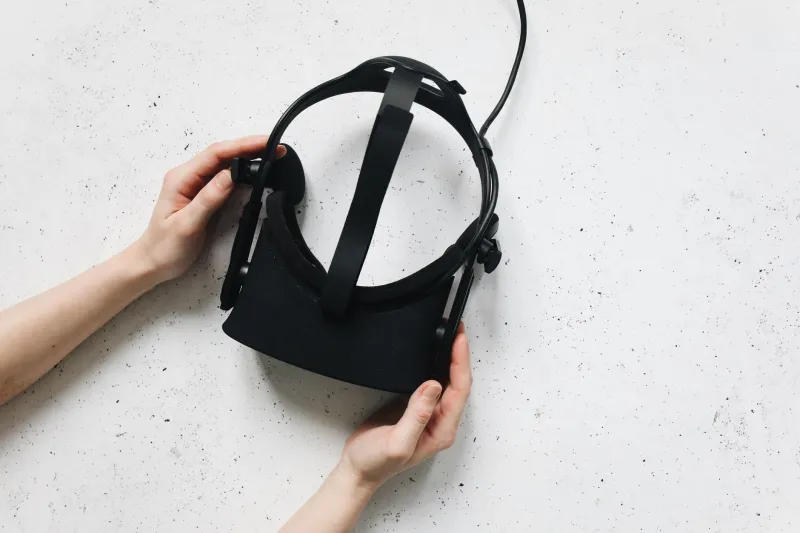
Meta, Sony, and other major players design for the average head — which, as anyone who's ever tried on a one-size-fits-all baseball cap knows, fits almost nobody perfectly. Weight distribution is the biggest culprit. Most headsets front-load their mass because that's where the lenses and displays live. Your face ends up doing most of the heavy lifting, which is exactly the wrong approach. Your neck and the back of your skull are far better suited to bearing load, but getting that balance right costs money and design time that companies seem reluctant to invest.
Then there's the foam. The default facial gaskets on nearly every major headset prioritize cost over skin-friendliness. They trap heat, they absorb sweat, and they press unevenly against different face shapes. If you wear glasses, the situation gets even messier — you're either squishing your frames into your temples or sacrificing visual clarity by removing them entirely.
The Upgrade That Actually Changes Everything: Counterweight Straps
If you only make one comfort investment beyond your headset purchase, make it a counterweight strap system. The concept is simple: add weight to the back of your head to counterbalance the front-heavy display, and suddenly the whole setup feels dramatically lighter — even though you've technically made it heavier.
We tested the BOBOVR M3 Pro on a Meta Quest 3 across multiple week-long sessions. The difference was legitimately remarkable. Sessions that previously topped out around 35 minutes before discomfort set in stretched past 75 minutes without the same fatigue. The battery pack that attaches to the rear strap serves double duty, extending playtime while simultaneously solving the balance problem. It's the kind of solution that makes you wonder why Meta didn't just ship something like this in the box.
The catch? These straps add bulk and aren't always travel-friendly. If portability matters to you, it's a real trade-off to consider.
Prescription Lens Inserts: A Game-Changer for Glasses Wearers
About 64% of American adults wear some form of corrective eyewear, which means a massive chunk of the VR market is dealing with a fundamentally compromised experience right out of the box. Trying to wear glasses inside a headset is miserable — the arms dig into your temples, you lose that critical eye-relief distance, and the lenses fog up constantly.
Custom prescription inserts from companies like WidmoVR and VR Wave have matured significantly over the last couple of years. You submit your prescription online, they ship you magnetic or snap-in lenses tailored to your specific headset model, and suddenly you're seeing the virtual world with the same clarity you get from your regular glasses — without any of the physical misery.
We put a set of WidmoVR inserts through their paces on a PlayStation VR2. Setup took about three minutes. Visual acuity was genuinely sharp, and the absence of glasses-related pressure points made extended sessions dramatically more comfortable. Pricing typically runs between $60 and $120 depending on your prescription complexity, which feels like a bargain given the improvement in experience.
Foam and Facial Gasket Swaps: Underrated and Underpriced
The stock foam on most headsets is, bluntly, not great. It compresses unevenly, it gets funky after a few sweaty sessions, and it creates hot spots on your face that become genuinely distracting after a while.
Aftermarket facial gaskets — particularly memory foam and silicone options from brands like Kiwi Design and VR Cover — are cheap, easy to install, and make a noticeable difference in both comfort and hygiene. Silicone interfaces are especially worth considering if you tend to run warm or if your headset gets shared between multiple people. They wipe down easily, don't absorb odors, and conform more evenly to different face shapes.
The trade-off with silicone is that some users find it creates more light bleed around the edges. If you're playing in a dark room and that kind of immersion-breaking detail bothers you, stick with a higher-density memory foam alternative instead.
Matching Solutions to Head Shapes
One thing the comfort accessory market doesn't talk about enough is that not every solution works for every person. Oval faces with average interpupillary distances tend to have the easiest time finding comfortable setups. Narrower faces often struggle with gaskets that sit too wide, creating uneven pressure. Wider faces run into the opposite problem — straps that don't extend far enough, or gaskets that dig into the cheekbones.
Before spending money on upgrades, spend fifteen minutes identifying your specific pain points. Is the discomfort coming from the forehead pad? The cheeks? The nose bridge? The back of the skull from forward tilt? Diagnosing where things go wrong makes it a lot easier to spend your upgrade budget wisely rather than buying everything and hoping something sticks.
The Bottom Line for Buyers
If you're shopping for a new headset and comfort is a priority — and it should be — factor in an additional $80 to $150 for aftermarket upgrades from the jump. Think of it less like buying accessories and more like completing the purchase you already made.
For most users, the priority order looks something like this: counterweight strap system first, prescription inserts if you wear glasses, then a gasket swap once the stock foam starts showing its age. That combination will transform a 30-minute headset into something you can genuinely spend an evening in — which is kind of the whole point of immersive technology in the first place.
The VR industry is moving fast on resolution, refresh rates, and processing power. Here's hoping wearability gets its turn in the spotlight soon — because the best headset in the world is the one you can actually keep on your face.