The Long-Session VR Survival Guide: Fix These Things Before Your Next Marathon Play
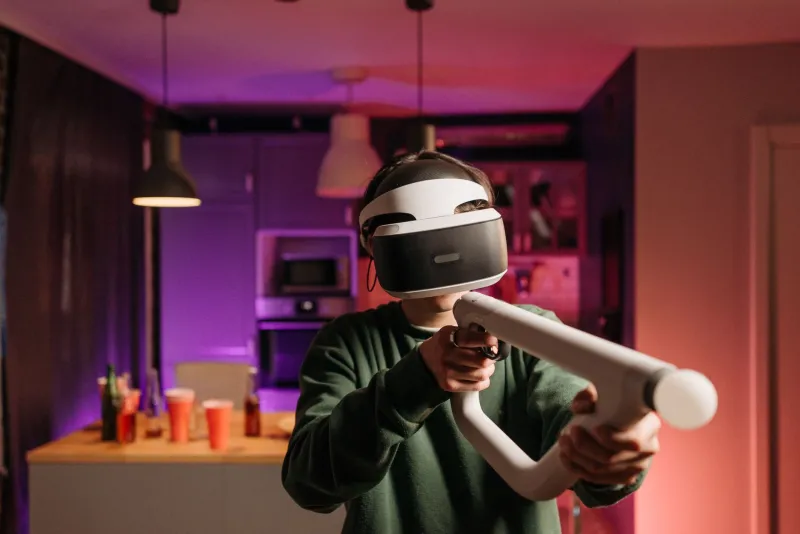
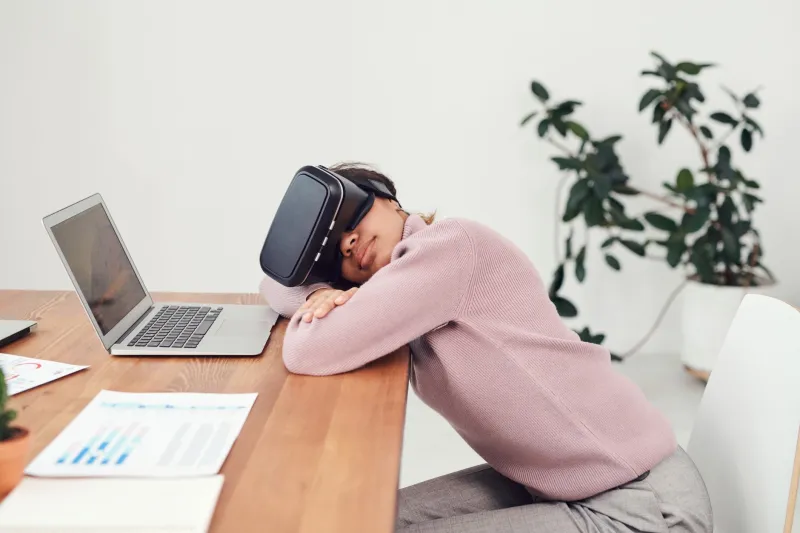
Here's a scenario that'll sound familiar: you fire up your VR setup for what's supposed to be a solid two-hour session, and somewhere around the 45-minute mark, something starts going wrong. Maybe it's a low-grade headache creeping in. Maybe your framerate is stuttering in ways it wasn't at the start. Maybe you're just done, and you can't quite explain why. You pull off the headset, and the magic is gone.
This isn't a you problem. It's a setup problem — and it's extremely common. The VR industry has gotten very good at selling the first impression. The out-of-box experience on a modern headset is genuinely impressive. But the experience at minute 90? That's where most consumer setups quietly fall apart, and nobody puts that in the marketing materials.
Let's fix that.
Start With Your PC: It's Probably Thermal Throttling
If you're running a PC-tethered headset — a Quest 3 via Link, a Valve Index, a Pimax — your computer is doing serious sustained work during a VR session. More sustained, in fact, than most gaming scenarios, because VR rendering is relentless. There's no cutscene, no loading screen, no moment where your GPU gets a breather.
The result? After 30 to 45 minutes, many gaming PCs start thermal throttling — automatically reducing GPU and CPU clock speeds to prevent overheating. You might not notice it as a dramatic drop, but that gradual slide from 90fps to 72fps to inconsistent 65fps is exactly the kind of subtle performance degradation that turns a great session into an uncomfortable one.
The fix starts with monitoring. Download MSI Afterburner (free) and run it in the background during a session to watch your GPU temperature. If you're hitting 85°C or above consistently, you've got a thermal problem. Solutions range from simple (improving case airflow, cleaning dust from heatsinks) to more involved (reapplying thermal paste, undervolting your GPU using tools like AMD Adrenalin or NVIDIA's built-in voltage controls). Undervolting, in particular, is underrated — it often reduces temperatures by 10–15°C with zero performance penalty.
Also worth checking: your VR rendering resolution. Apps like SteamVR let you set a global supersampling level, and many enthusiasts crank it up without realizing they've just added 40% more GPU load to every session. Pull it back to 100% and see if your endurance improves before buying new hardware.
Cable and Play Space: The Physical Stuff That Wears You Out
This one sounds obvious, but it's consistently underestimated. A cable you're constantly aware of — one that tugs at your headset, catches on furniture, or makes you hesitate before turning — is a low-level stressor that compounds over time. By hour two, that cognitive overhead is exhausting.
For tethered setups, a ceiling pulley system is the gold standard. They run $20–$60 on Amazon and take about 20 minutes to install. A bungee cord and a simple hook can work nearly as well for a fraction of the cost. The goal is to keep the cable elevated and slack so you stop thinking about it entirely.
Play space layout matters more than most guides acknowledge. Your tracking cameras or base stations should be positioned so you're never fighting for a clean line of sight during natural movement. Controllers that lose tracking mid-session — even for a half-second — trigger a physical startle response that's surprisingly draining. Spend 15 minutes optimizing sensor placement before your next long session and pay attention to whether your tracking holds at the edges of your space.
Floor surface is another overlooked factor. Standing on hard concrete or tile for 90 minutes is punishing. An anti-fatigue mat — the kind used in commercial kitchens — costs around $30 and makes a meaningful difference in how your legs and lower back feel by the end of a session.
Motion Sickness: It's Preventable, Not Inevitable
Motion sickness in VR is not a character flaw, and it's not something you just have to push through. It's a sensory mismatch that gets worse when your system is already under stress — low framerate, high latency, dehydration, or even just being tired.
Framerate is the biggest lever. Consistent 90fps feels dramatically more stable than inconsistent 72fps, even if the average is the same. Prioritize framerate stability over visual fidelity. In SteamVR, enabling Asynchronous Reprojection helps smooth out dips. On Quest, enabling ASW (Asynchronous SpaceWarp) does the same thing. These aren't perfect solutions, but they meaningfully reduce the jarring effect of dropped frames.
For content choices: locomotion style matters enormously for extended sessions. If you're playing games with smooth stick-based movement, experiment with increasing your vignette intensity (the tunnel-vision effect that reduces peripheral motion during movement). Most VR games include this in accessibility settings, and it's not just for beginners — plenty of experienced VR users keep it on for long sessions.
Practical tip that actually works: keep a fan blowing cool air toward your face during sessions. The correlation between skin temperature and motion sickness onset is well-documented, and staying physically cool extends your comfortable play window significantly.
Accessories That Actually Pull Their Weight
Not everything marketed for "VR comfort" is worth your money, but a few things genuinely extend session length.
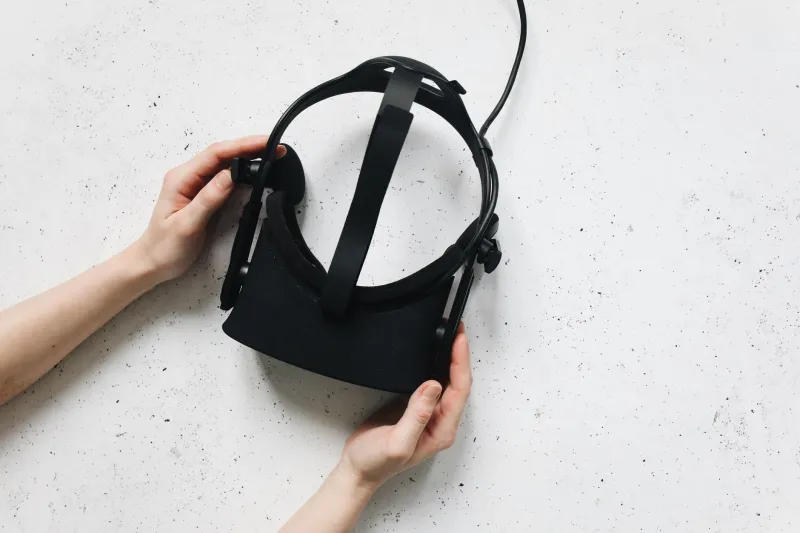
A better head strap or counterweight is probably the highest-return upgrade for most headsets. The Quest 3's stock strap puts pressure on your forehead that adds up fast. Third-party halo-style straps ($30–$80) redistribute weight to the top of your skull and back of your head, which is dramatically more sustainable. Adding a counterweight battery pack to the rear strap accomplishes both balance and extra runtime at once.
Face gaskets — the foam or silicone seal around the lenses — are worth swapping if you're running hot. Aftermarket silicone gaskets don't absorb sweat the way foam does, which means less heat buildup and easier cleaning. VR Cover makes solid options for most major headsets.
Finally: set a timer. Seriously. Taking a five-minute break every 45 minutes — headset off, eyes focused on something across the room — resets your visual system and dramatically reduces cumulative fatigue. It sounds counterintuitive, but you'll almost always end up logging more total comfortable time with structured breaks than without them.
The Payoff Is Worth the Setup
None of this is glamorous work. Adjusting thermal paste and repositioning tracking cameras isn't as fun as actually being inside a great VR experience. But the creators and enthusiasts who get the most out of their setups are almost always the ones who've put in this kind of unglamorous prep.
Once your rig is dialed in — thermally stable, physically comfortable, spatially optimized — extended VR sessions stop feeling like something you endure and start feeling like something you actually look forward to. That's where the real immersion lives.